

How to Withdrawal Money from HH98 Game
Withdrawal funds from your HH98 account usually involves opening the Wallet section, choosing an available payout method, entering the required details, and submitting your request. The exact options, limits, and processing time may vary, so always follow the current instructions shown in your account.
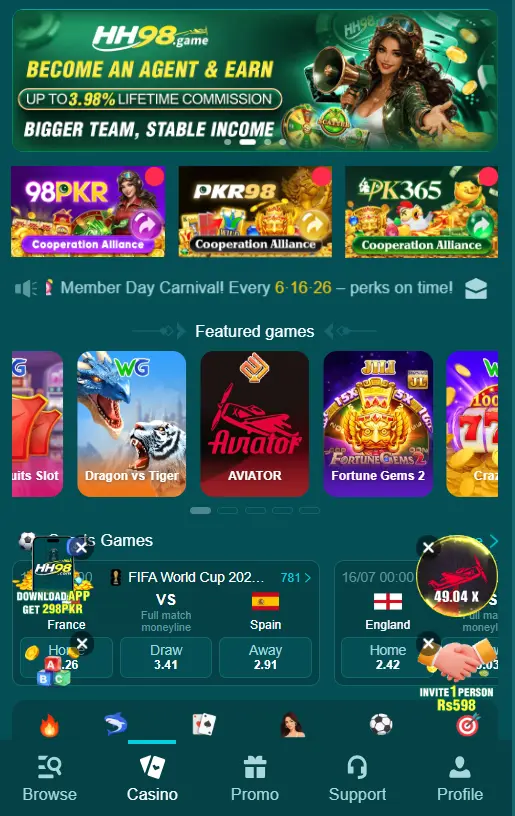
This guide explains the process in simple English and covers common payment methods, processing times, verification, security, and common issues.
Before Requesting a Payout
Before you start, check the following:
- Your account is active and accessible.
- Your available balance meets the current minimum requirement.
- Your selected payment method is supported.
- Your account details are correct.
- Any required verification has been completed.
- You understand the applicable limits or charges.
Use only payment details that belong to you where the platform requires account ownership.
How to Withdrawal Money
1. Log In to Your Account
Open the HH98 website or application and sign in using your registered account details.
2. Open the Wallet
Go to the Wallet, Balance, or Withdrawal section from your account dashboard.
3. Select a Payout Method
Choose one of the methods currently available. Depending on your account and location, this may include JazzCash, Easypaisa, bank transfer, or digital currency.
4. Enter the Amount
Enter the amount you want to receive. Check the minimum and maximum limits displayed on the screen before continuing.
Only request an amount that is available in your account balance.
5. Add Your Payment Details
Enter the required information for your selected method. For example, a mobile wallet may require a registered phone number, while a bank transfer may require account information.
Check every detail carefully before submitting the request.
6. Review the Request
Take a moment to check the amount, recipient information, payment method, and any applicable fee.
Correcting an error before submission is much easier than resolving an incorrect payout afterward.
7. Submit the Request
Confirm the request through the available button or verification step. After submission, keep the reference number or confirmation message.
8. Check the Transaction Status
You can normally monitor the request from your account history or Wallet section. The status may show as pending, processing, completed, or another platform-specific label.
Through JazzCash
If JazzCash is available, select it as your payout method and enter the required mobile wallet details. Check the number carefully before submitting the request.
Once the transfer is completed, check your JazzCash account and keep the transaction confirmation for your records.
Through Easypaisa
If Easypaisa is listed among the available options, choose it and provide the required account information. Make sure the registered number is correct before confirming.
After the request is processed, check your Easypaisa balance and save the transaction reference.
Through Bank Transfer
For a bank transfer, enter the bank information requested by the platform. Double-check the account number, account holder information, and other required details.
Use only your correct banking information and avoid sending sensitive banking credentials to individuals through private messages.
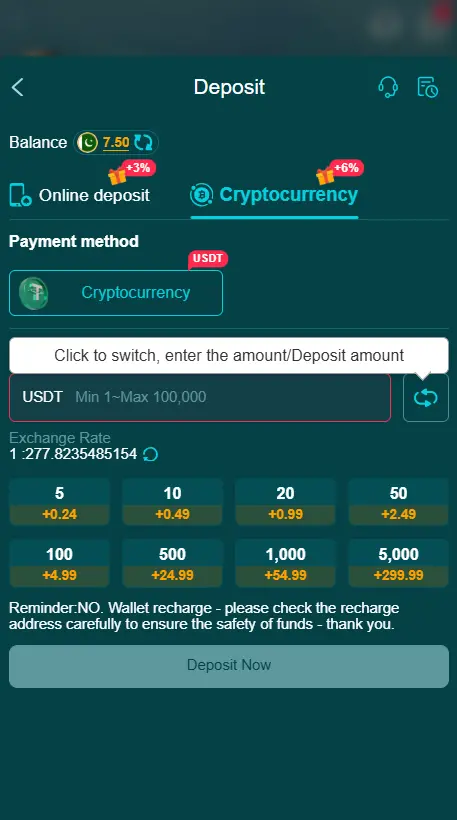
Through Digital Currency
If digital currency is supported, select the available currency and enter the required wallet information. Carefully check the wallet address and network before confirming the request.
A mistake in the address or network can cause serious transaction problems. Keep the transaction ID so you can track the transfer when necessary.
How Long Does a Withdrawal Take?
Processing time depends on the selected payment provider, account verification, network conditions, and platform processing.
Some requests may be completed quickly, while others can take longer. A pending status does not automatically mean there is a problem.
If the request remains pending for an unusually long period, check the transaction details and contact the platform’s current support channel.
Why Can a Withdrawal Be Delayed?
Several factors can affect processing:
- Incorrect payment information
- Account verification requirements
- Payment-provider delays
- Network congestion
- System maintenance
- Incorrect or incomplete transaction details
- Limits associated with the selected payment method
Checking these details first can help identify the cause of a delay.
What If the Money Has Not Arrived?
If your request shows as completed but the funds have not reached your payment account, avoid submitting another request immediately.
First, check the transaction status and confirmation details. Keep the reference number, receipt, or transaction ID available when contacting support.
Security Tips
Protect your account and financial information throughout the process.
- Never share your password, PIN, OTP, or verification code.
- Use payment accounts that belong to you when required.
- Verify recipient details before submitting a request.
- Do not trust payment instructions sent by unknown individuals.
- Keep transaction receipts and reference numbers.
- Avoid using outdated screenshots or old payment information.
- Use the current instructions displayed in your account.
Important Information About Payouts
A successful payout request does not guarantee a particular processing time. Payment services and platform requirements can change, so the information displayed in your account should always take priority over older guides.
Also remember that gaming outcomes are not guaranteed. Set a personal spending limit and only use funds you can afford to lose. Make sure online gaming is legal and permitted in your location.
Final Thoughts
The basic process is simple: open your account, visit the Wallet section, select an available payout method, enter the required information, review the request, and submit it. Keeping accurate payment details and transaction records can make the process easier and help resolve problems if they occur.